/ 01
Arrange mode
Where the map gets made.
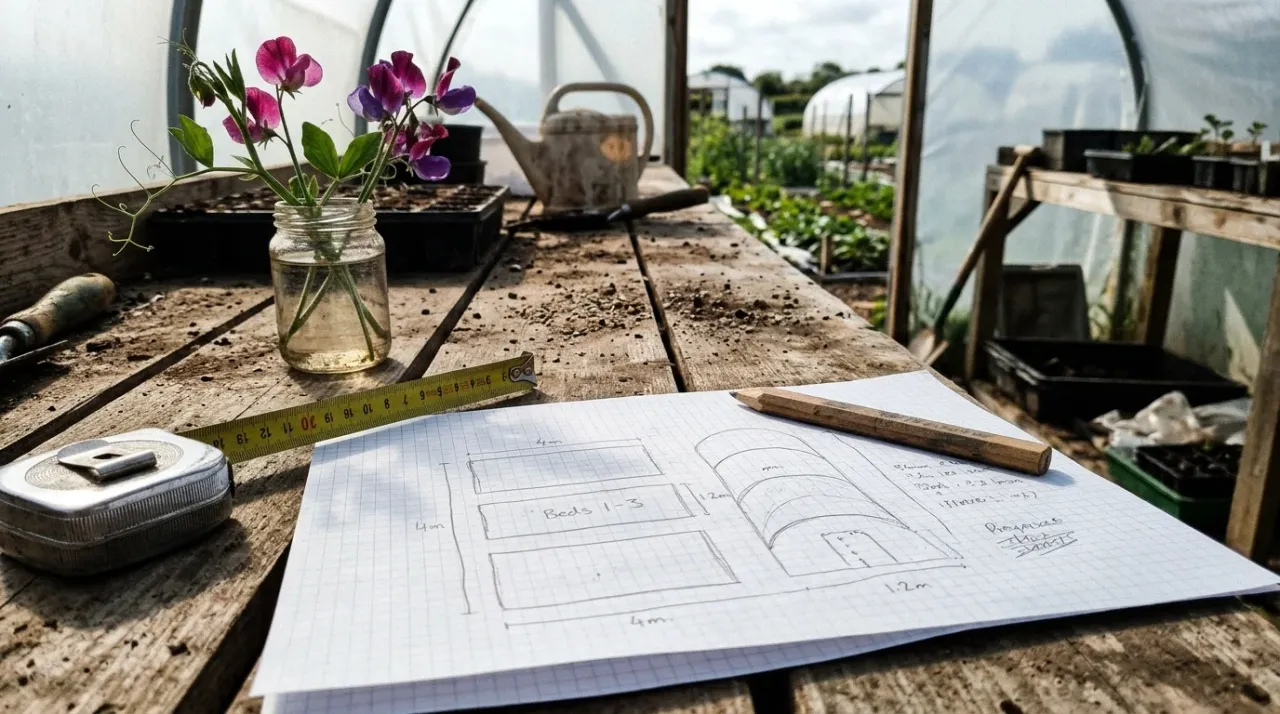
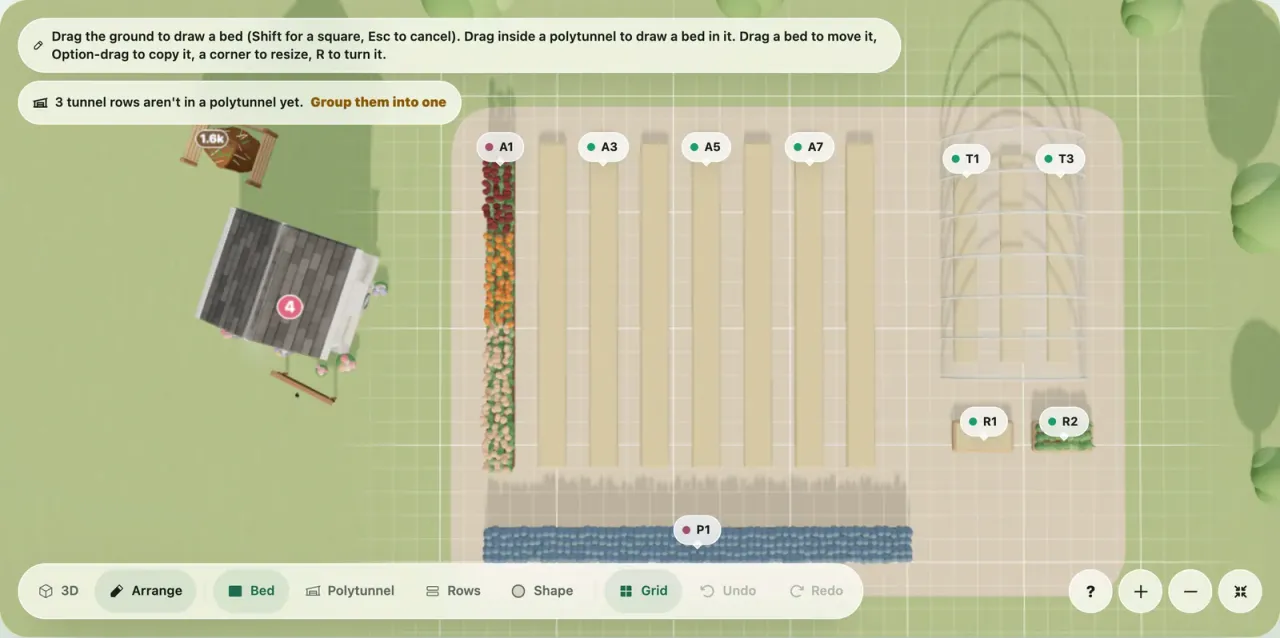
On the farm map, switch from 3D to Arrange in the bottom corner. The view tips over to look straight down on a grid, like a plan on graph paper, and a toolbar appears: Bed, Polytunnel, Rows, Shape, Grid, Undo and Redo. A line of help along the top tells you what each gesture does.
/ 02
Beds
Drag the ground.
To draw a bed, drag across the ground: it stretches out under your pointer and its size shows as you go. Hold Shift for a square, press Escape to change your mind. When you let go, give it a name.
Once it's there:
- Drag a bed to move it.
- Drag a corner to resize it.
- Press R to turn it.
- Shape turns a bed into something other than a rectangle: rounded corners, a circle, an oval island bed, a D-shaped bed against a wall, a ring round a tree, a curved border, a hexagon kit, or the odd triangular leftover bit.
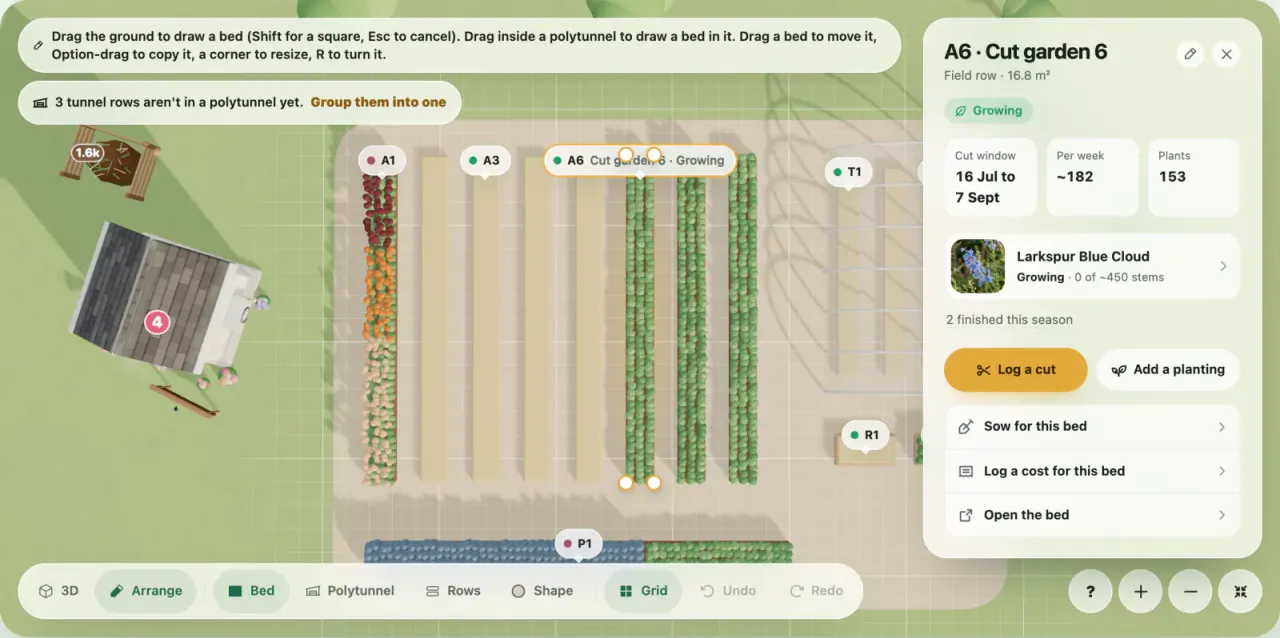
Tap any bed for its card, the same card you see in 3D, so you can check what's in it while you arrange.
/ 03
Copies
One bed, then ten.
Most farms are rows of the same bed. Draw one, then copy it:
- Hold Option (Alt on Windows) and drag a bed to drop a copy wherever you let go.
- Press ⌘D (Ctrl+D) to copy what's selected beside it.
- Or use Duplicate on the bed's card, or on the bar that appears when you select several beds.
Each copy is named after the bed it came from ("A4 copy"), ready for you to rename, and a whole batch of copies is one step to undo.
/ 04
Undo
Change your mind freely.
Everything in Arrange mode can be undone: moves, resizes, new beds, copies, deleted beds, tunnel changes. Undo and Redo sit in the toolbar, with ⌘Z and Shift+⌘Z (Ctrl+Z and Ctrl+Y on Windows) as shortcuts, and they go back several steps, not just one. Arranging a farm is trial and error; it should feel safe to try.
/ 05
Polytunnels
Beds inside, done properly.
Draw a polytunnel with the Polytunnel tool and it goes up with its hoops. Draw inside it to add beds under cover. Tap the tunnel to change its width, length and angle, and choose which beds are inside.
Once a tunnel has beds, its card can add a bed (the others shuffle up to make room) or change the layout: two beds and a path, beds down the sides with a wide one in the middle, four narrower beds, or your own measurements, with a preview of what changes before you commit. Empty beds that no longer fit are taken out; beds with plants in are set down beside the tunnel, never thrown away.
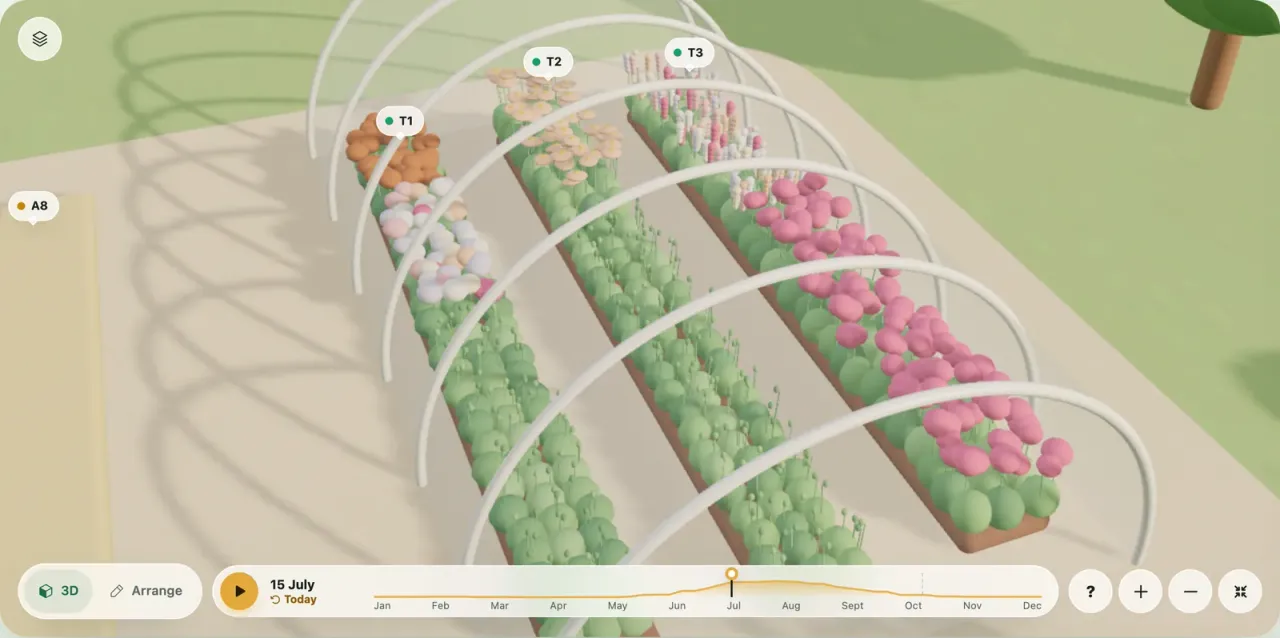
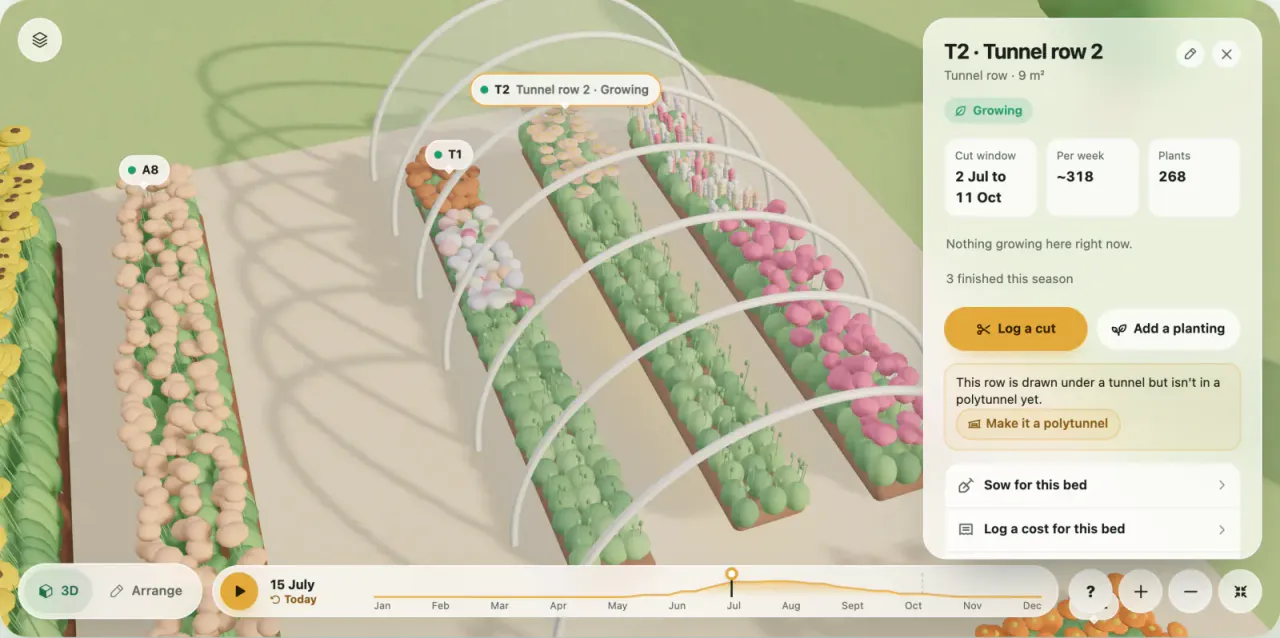
If you drew tunnel rows before polytunnels existed on the map, BloomOS spots them: 3 tunnel rows aren't in a polytunnel yet, with a button to group them into one.
/ 06
The rest
Cool room, compost, signs.
The cool room and its compost heap find their own place beside your beds, and field signs mark out each field. When you're done, switch back to 3D and the farm stands up again, with everything where you put it.
If you haven't seen the 3D side yet, our introduction to the farm map covers the season scrubber, the data layers, frost warnings and the light.
/ 07
Questions
What growers ask.
Will moving a bed on the map lose its records?
No. A bed's plantings, cuts and costs belong to the bed, wherever you put it on the map.
How do I copy a bed?
Hold Option (Alt) and drag it, press ⌘D (Ctrl+D), or use Duplicate on its card.
Can I undo a mistake?
Yes, several steps back, with Undo in the toolbar or ⌘Z.
Can I put beds inside a polytunnel?
Yes. Draw inside a tunnel to add a bed, or use the tunnel's card to add a bed or change its layout.
From the field
Draw it once. Use it every day.
Your map is built from your real beds, so everything you log lands in the right place. Founding farms are free for life.